Story toolbar
Overview
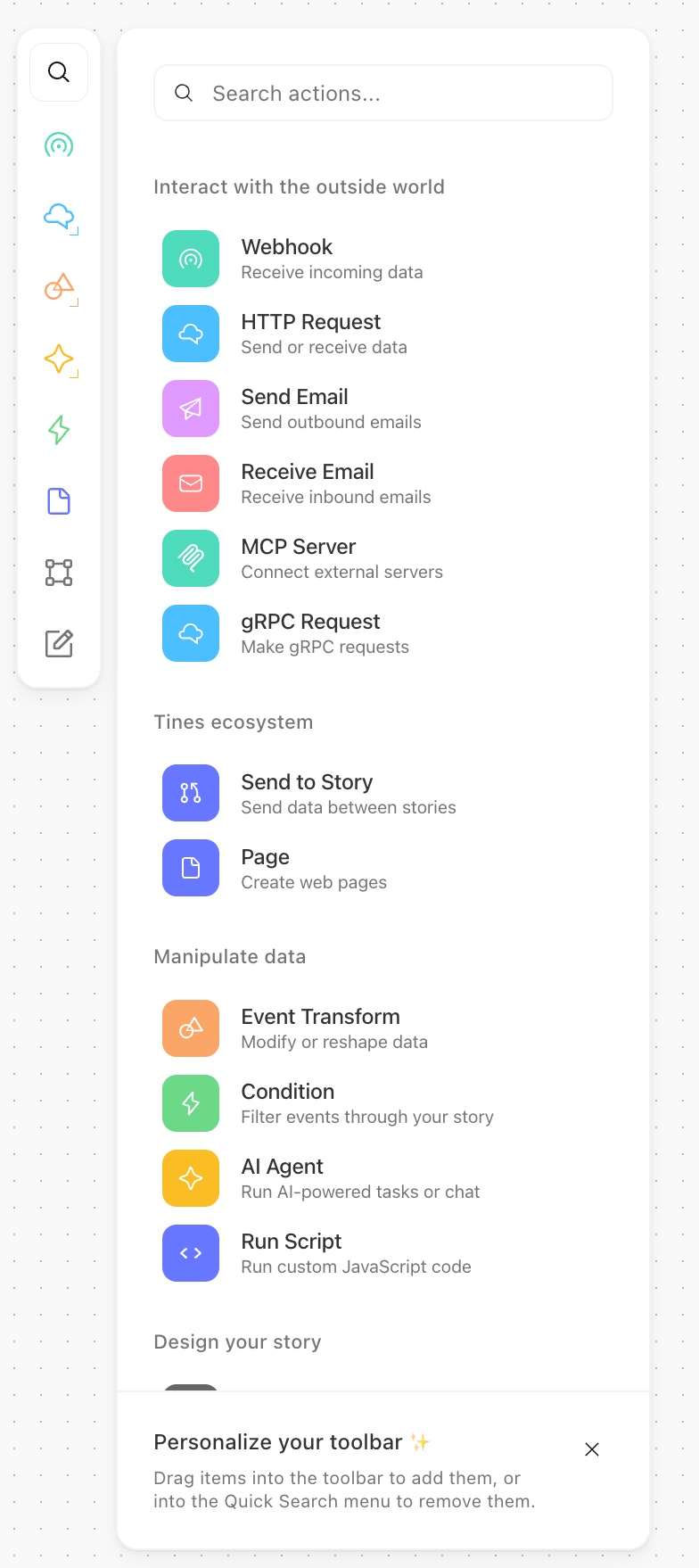
The story toolbar is a floating toolbar with a consistent structure where all actions are surfaced naturally. By default you'll see the most used actions and templates, and you'll be able to modify it to your own preferences by dragging and dropping these items onto the toolbar. Each toolbar is customised per user per tenant.
QuickSearch
The quick search can be found by clicking the quick search button at the top of the toolbar or using the keyboard shortcut A.
Templates
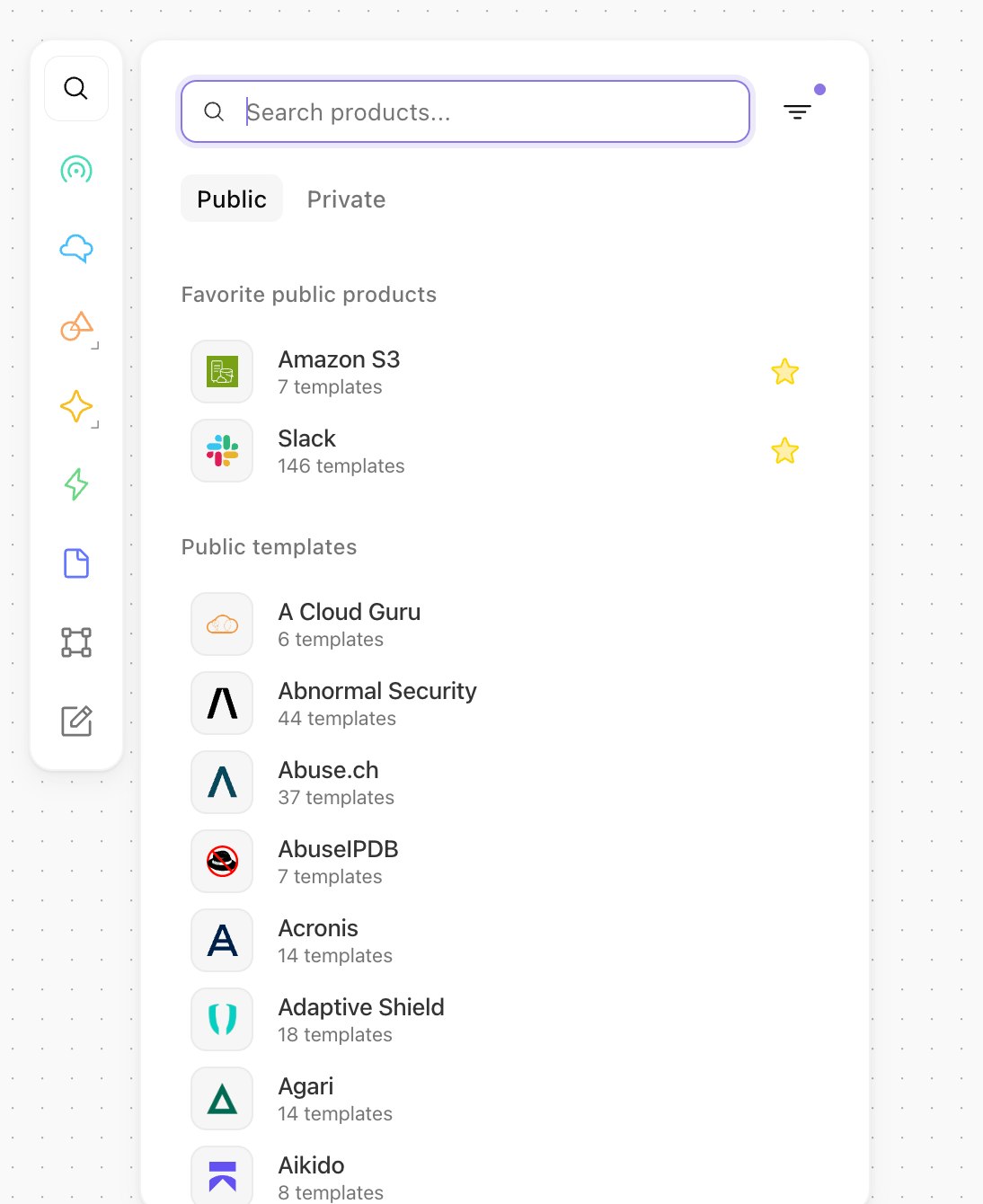
The templates can be found via quick search, either by typing a product name or using the “Templates” filter option. Quick search can be opened in Templates mode using the keyboard shortcut T.
Adding & Removing actions
When inside of the quick search popup, simply drag and drop any action or template into the toolbar.