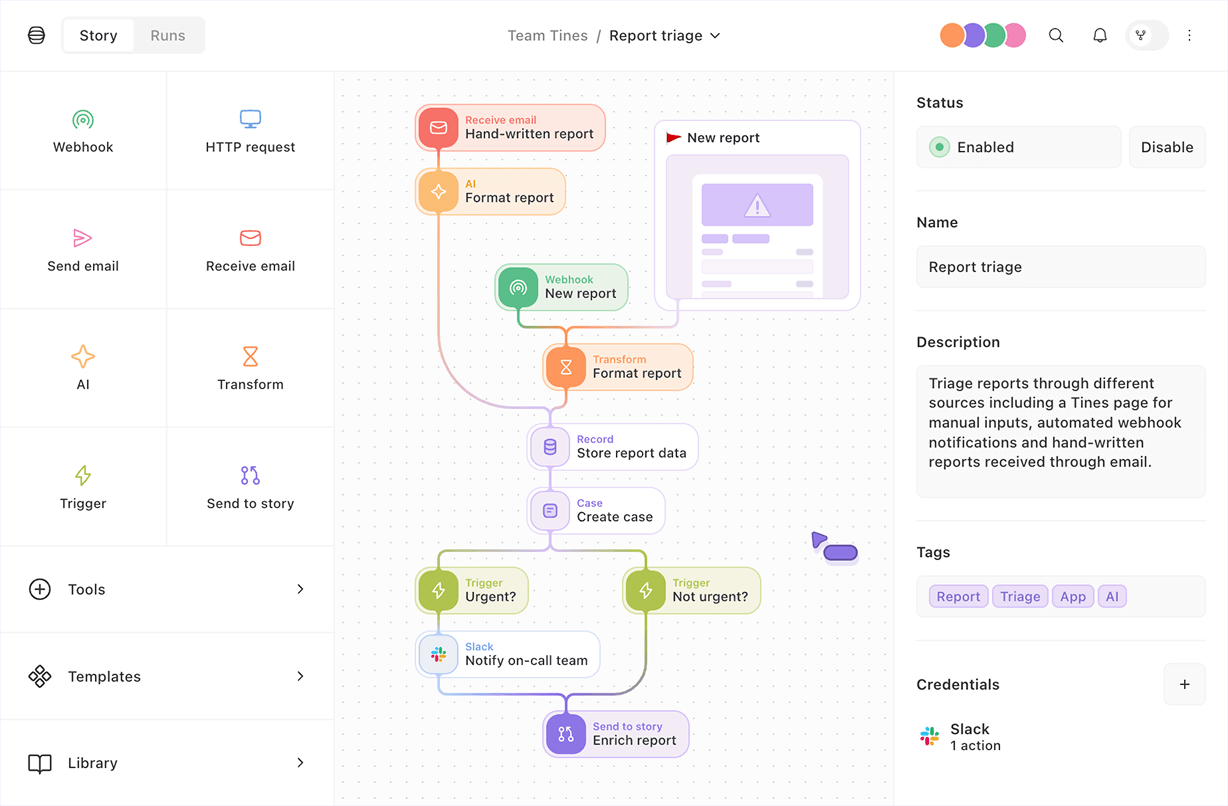
Tines offers a secure, trusted, vendor-agnostic platform to build agents, workflows, apps, and integrations in seconds.
📣 With promo code HOWIAIFEB26, How I AI listeners get a special discount on Starter Edition plans.
Tines offers a secure, trusted, vendor-agnostic platform to build agents, workflows, apps, and integrations in seconds.
📣 With promo code HOWIAIFEB26, How I AI listeners get a special discount on Starter Edition plans.
Teams use Tines to build
Community Edition is perfect for proof-of-concepts, learning, and building your business case for broader implementation.

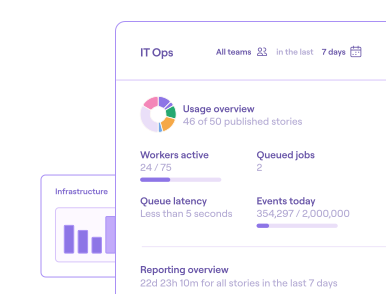
Build, run, and monitor your most important workflows for free with the platform loved by the world's leading security-minded companies.

Power your most important workflows intelligently with AI, for free in Community Edition.

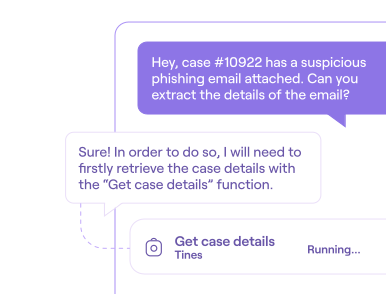
Your AI assistant for building and troubleshooting workflows, with up to 20 daily messages tenant-wide

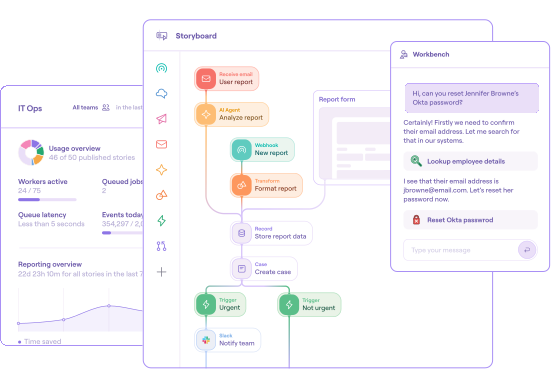
Build agents for user interaction right on the Storyboard without writing a line of code.

Build, optimize and explain stories at the speed of conversation with our conversational AI interface.
Tines Community Edition is free and includes everything you need to get started. When you're ready to bring your intelligent workflows to production, Starter Edition gives you access to more builders, workflows, AI credits, and more. How I AI listeners get an extra discount with promo code HOWIAIFEB26!

Businesses from global enterprises to national laboratories scale their workflows with Tines.
























Get started today with pre-built workflows from our Story Library
Tools: Jamf Pro


Tools: AWS


Tools: Tavily


Tools: Elastic


Tools: ServiceNow, Slack


Tools: Okta